
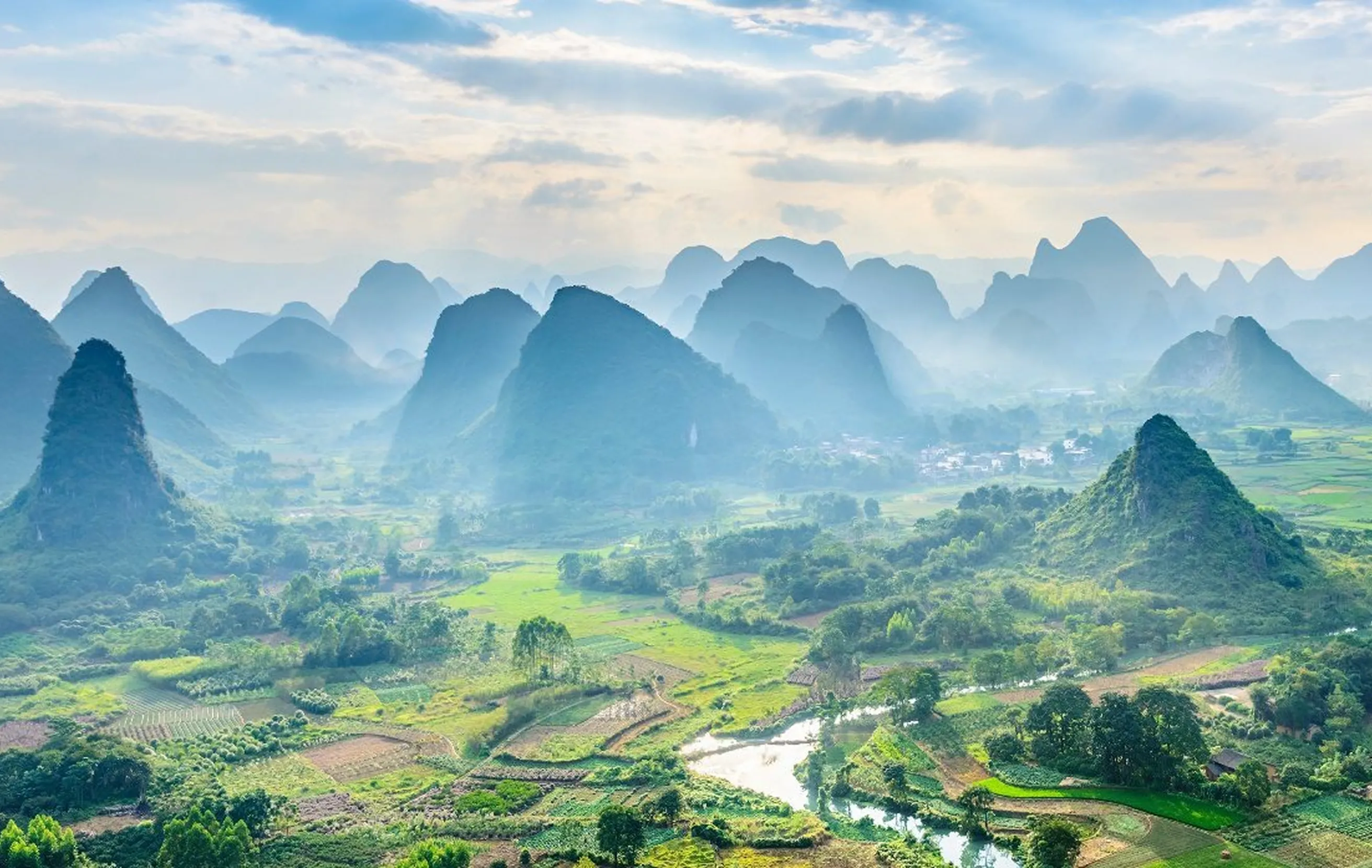
测试纯 Markdown 文章
演示如何在 .md 文件中使用图片
· Shopify 独立站 · 1 分钟
在 Markdown 中使用图片
方法 1: 使用相对路径(本地图片)
首先将图片放到 _images 目录,然后使用标准 Markdown 语法:
注意:要看到实际效果,需要先将图片放到
_images目录中
方法 2: 使用 HTML img 标签
如果需要更多控制(如指定宽度),可以用 HTML:
<img src="./_images/your-image.png" alt="描述" width="600" />注意:替换
your-image.png为你实际的图片文件名
方法 3: 使用外部 URL
Markdown vs MDX 对比
| 特性 | Markdown (.md) | MDX (.mdx) |
|---|---|---|
| 语法 | 标准 Markdown | Markdown + JSX |
| 图片语法 |  或 <img> | 必须用 import + <Image> 组件 |
| 图片优化 | 有限 | 完全优化(Astro Image) |
| 组件支持 | 不支持 | 支持 React/Astro 组件 |
| 学习曲线 | 简单 | 需要了解 JSX |
| 性能 | 一般 | 更好(图片优化) |
建议
- 简单文章:使用
.md即可,语法简单直观 - 复杂文章:使用
.mdx,可以:- 使用优化的图片组件
- 嵌入交互式组件
- 更好的性能
测试你的设置
- 创建
_images目录 - 放入一张测试图片(如
test.png) - 在 Markdown 中使用:
 - 运行
pnpm dev查看效果
Share:
More posts
-
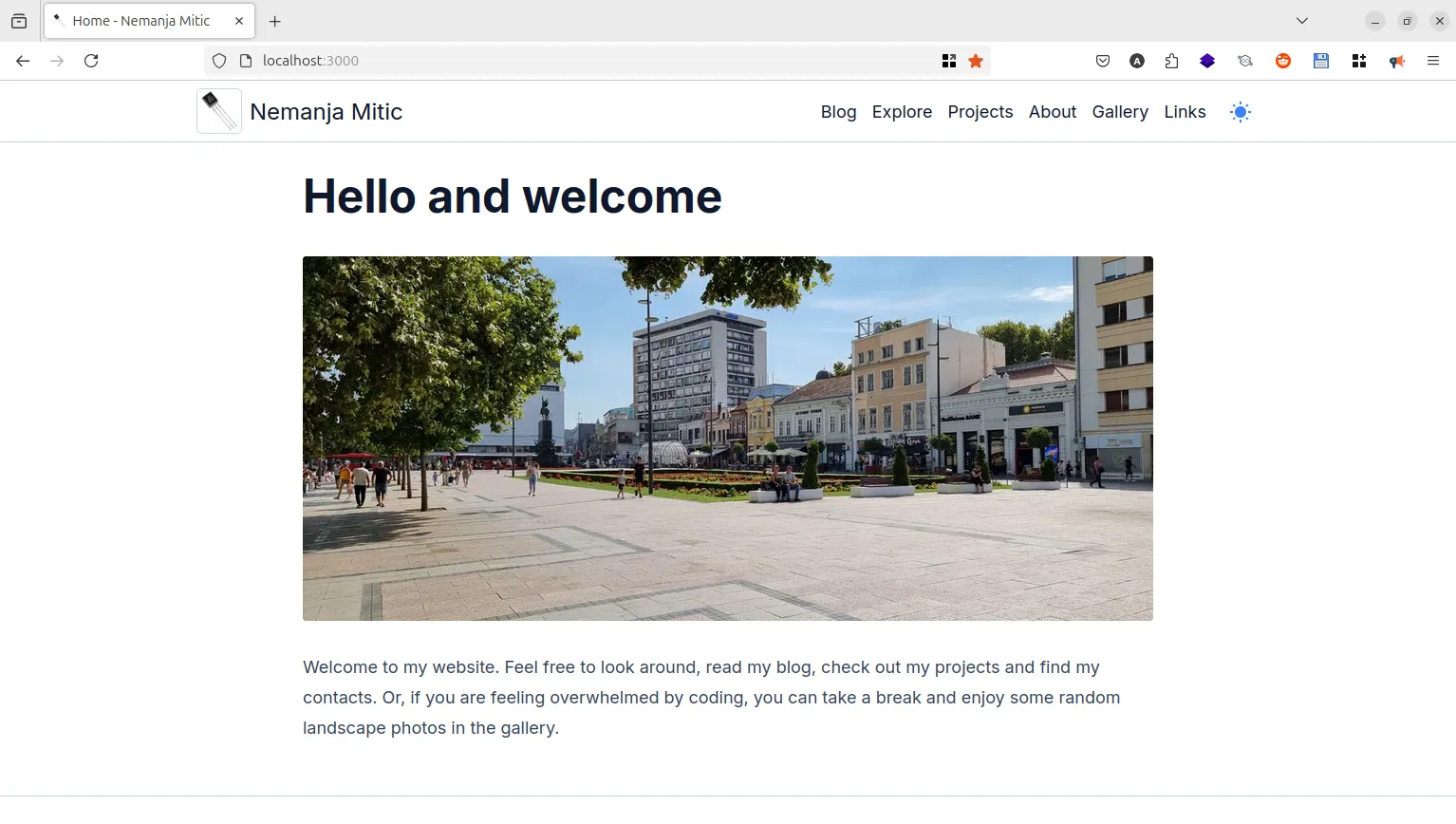
Build a random image component with Astro and React
Build a random image component to make your hero image more interactive and interesting.
-
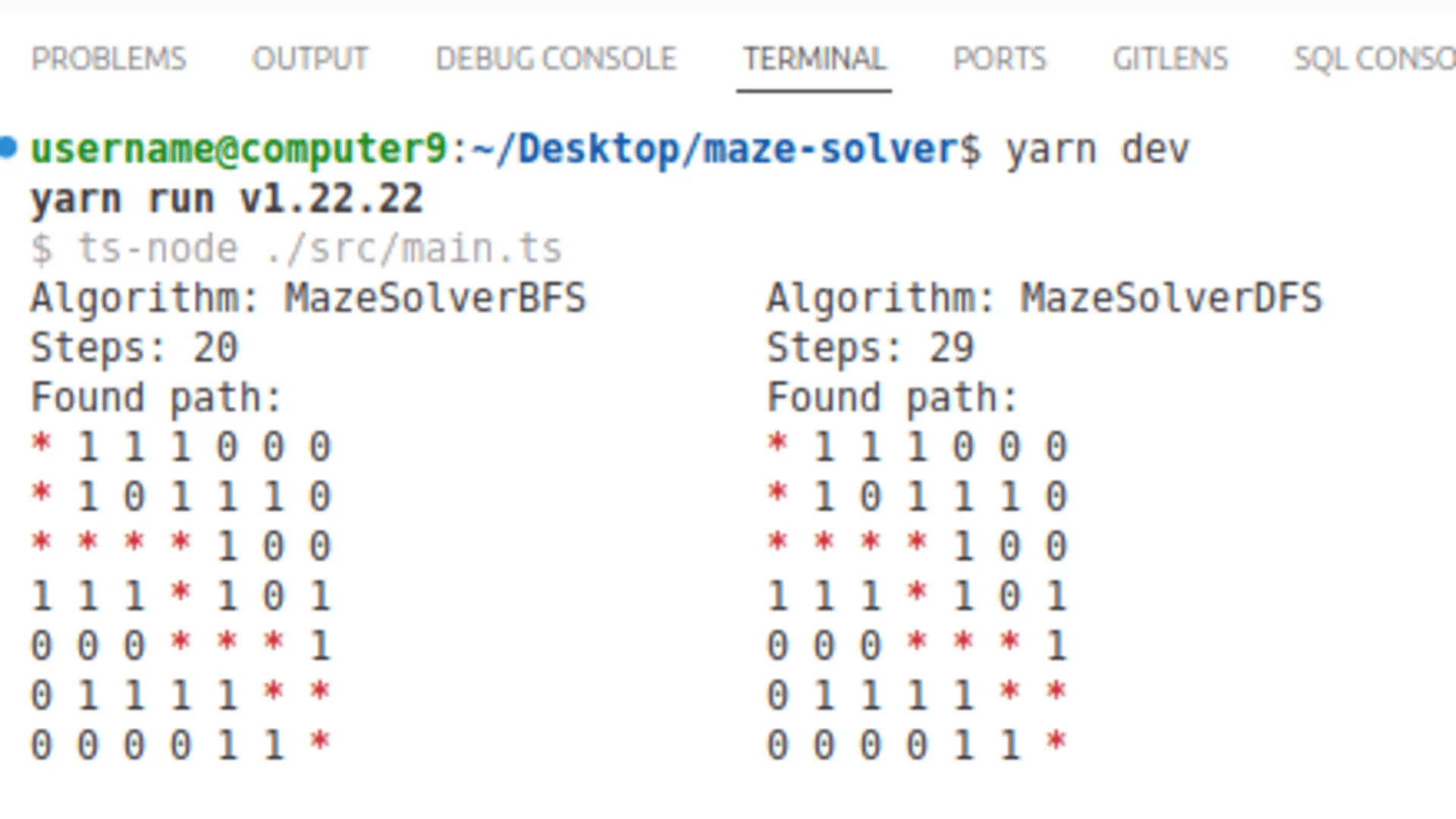
Comparing BFS, DFS, Dijkstra, and A* algorithms on a practical maze solver example
Understanding the strengths and trade-offs of core pathfinding algorithms through a practical maze example. Demo app included.
-
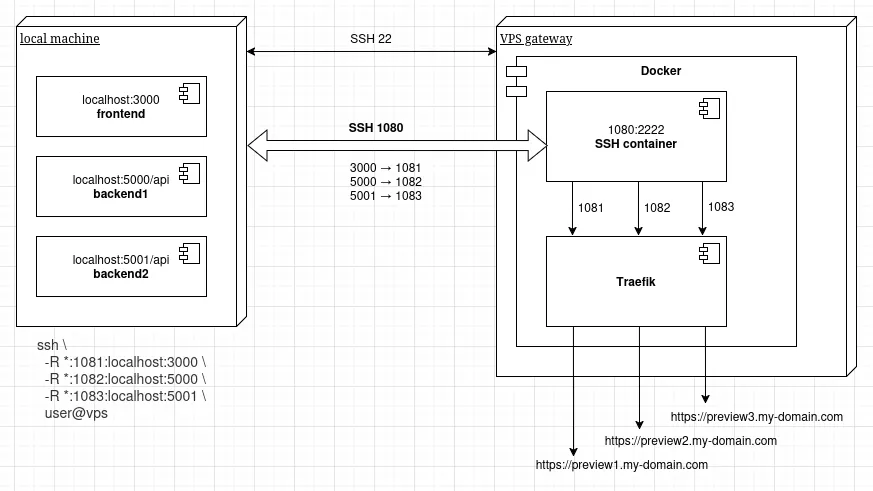
Expose local dev server with SSH tunnel and Docker
A practical example how to temporarily expose your local service to the internet.